
HomeFit · iPhone and iPad app
HomeFit: seven minutes of strength on the days you don't run
From the FirstFiveK team · Free · iPhone and iPad · iOS 17 or later · version 2.1.1
HomeFit - 7 Min Workout Plan
Free · iPhone and iPad · iOS 17 or later · version 2.1.1
HomeFit is a free iPhone and iPad app from the FirstFiveK team. Tap Start and a 7-minute, no-equipment workout runs on a big timer with beeps, rest breaks and the next move shown. It does not track runs: keep this site's plan for run days and use HomeFit on the days between. 27 exercises and 4 plans are free.
Get HomeFit on the App Store — free The 5K plan stays free here
What the app does that this site can't
FirstFiveK lays out the run days: every session, your pace, your dates. A web page can't sit in your pocket and run a workout for you. HomeFit does that part, for the other days of the week: tap Start and the timer, the beeps for the last three seconds and the rest breaks carry you through seven minutes, with the next move shown before it starts.
| What you need | On FirstFiveK | In HomeFit |
|---|---|---|
| Run/walk sessions for 9 weeks | Yes — every session, minute by minute, free | No running plan |
| Pace, treadmill speed, 5K time | Yes — pace converter, free | No |
| Dates for your plan + calendar file | Yes — plan builder, free | No |
| Track a run (GPS, distance) | No | No |
| A workout that runs itself: timer, beeps, rest breaks, next move | No — a page cannot run a timed session with beeps from your pocket | Yes |
| Works with no signal | No | Yes, offline |
| A reminder at the time you choose | No | Yes, one daily reminder |
| Streak and weekly progress | No | Yes |
A week with runs on Monday, Wednesday and Friday leaves Tuesday, Thursday and the weekend open. If you want something on those days, that is where seven minutes of HomeFit fits. You don't need it to finish the plan.
Inside the app
- Tap Start and a guided workout runs on a big countdown timer, with rest breaks and the next move shown before it starts
- Beeps for the last three seconds of every move
- Pause, skip or go back at any time
- Streak and weekly progress on the home screen
- One daily reminder at the time you choose
- Works offline
- 60 exercises in 7 categories: full body, abs, chest and arms, legs and glutes, back, cardio, stretch — each with an illustration, the muscles it works and how long to hold it
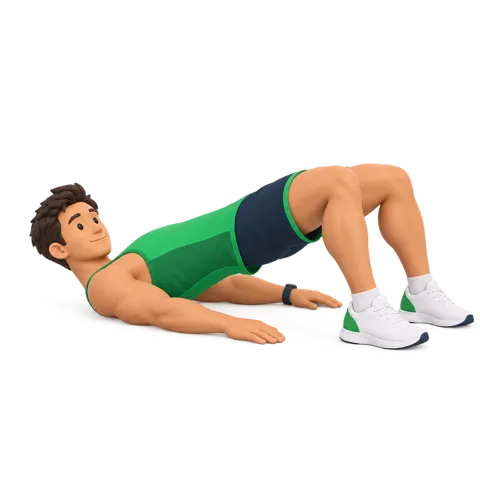
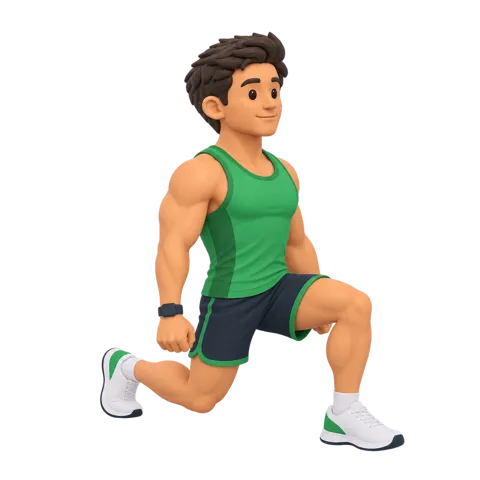
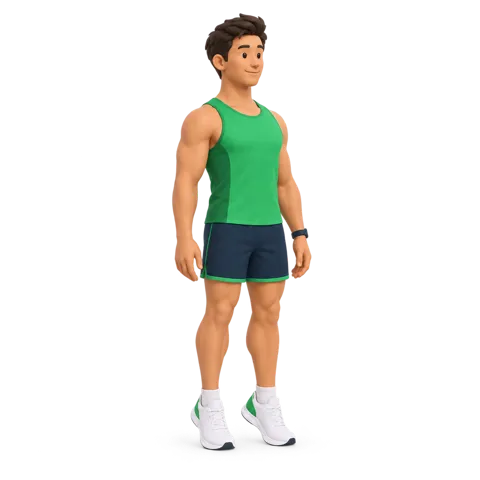
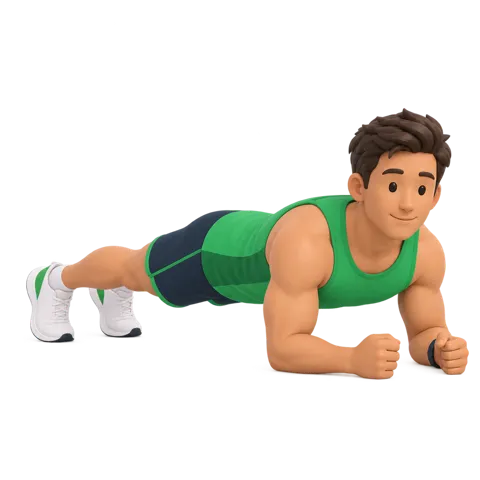
Exercise illustrations as they appear in HomeFit 2.1.1.
What it costs
Free to download. 27 bodyweight exercises and 4 complete plans are free, with no sign-in and no card. HomeFit Pro adds: No ads · All 10 plans (7 to 30 days) · The full library of 60 exercises in 7 categories.
| HomeFit Pro | Price | How it bills |
|---|---|---|
| Monthly | $6.99 | per month, renews |
| Yearly | $49.99 | per year, renews · free trial on the yearly option |
| Lifetime | $79.99 | one-time, never renews |
US App Store prices in US dollars, checked October 20, 2026. Version 2.1.1 released September 15, 2026. Subscriptions renew unless cancelled at least 24 hours before the period ends; manage them in your App Store account settings.
What it does not do
- It does not track runs: no GPS, no distance, no run log. Use your phone's own fitness app or a watch for that.
- It has no running plan. The 9-week plan lives here, free.
- It is in English only, on iPhone and iPad (iOS 17 or later).
Frequently asked questions
Is HomeFit free?
Yes. HomeFit is free to download, with 27 exercises and 4 plans free and no account. HomeFit Pro removes ads and unlocks all 10 plans and 60 exercises: Monthly $6.99, Yearly $49.99, Lifetime $79.99 on the US App Store (checked 2026-10-20).
Does HomeFit track my runs?
No. HomeFit has no GPS, no running plan and no run log. The 9-week run/walk plan, the pace converter and the plan builder live on this site and stay free.
Do I need HomeFit to follow the 5K plan?
No. Every run session, pace and calendar file is on FirstFiveK for free. HomeFit is only for people who want a short guided workout on the days between runs.